Dashboard
The Sauce Labs Mobile App Distribution dashboard lets you view information about your uploaded apps. The dashboard includes a list of all uploaded apps and their app definitions.
You can also upload apps from the dashboard using the NEW UPLOAD button and manage your users and account preferences.
DASHBOARD Tab
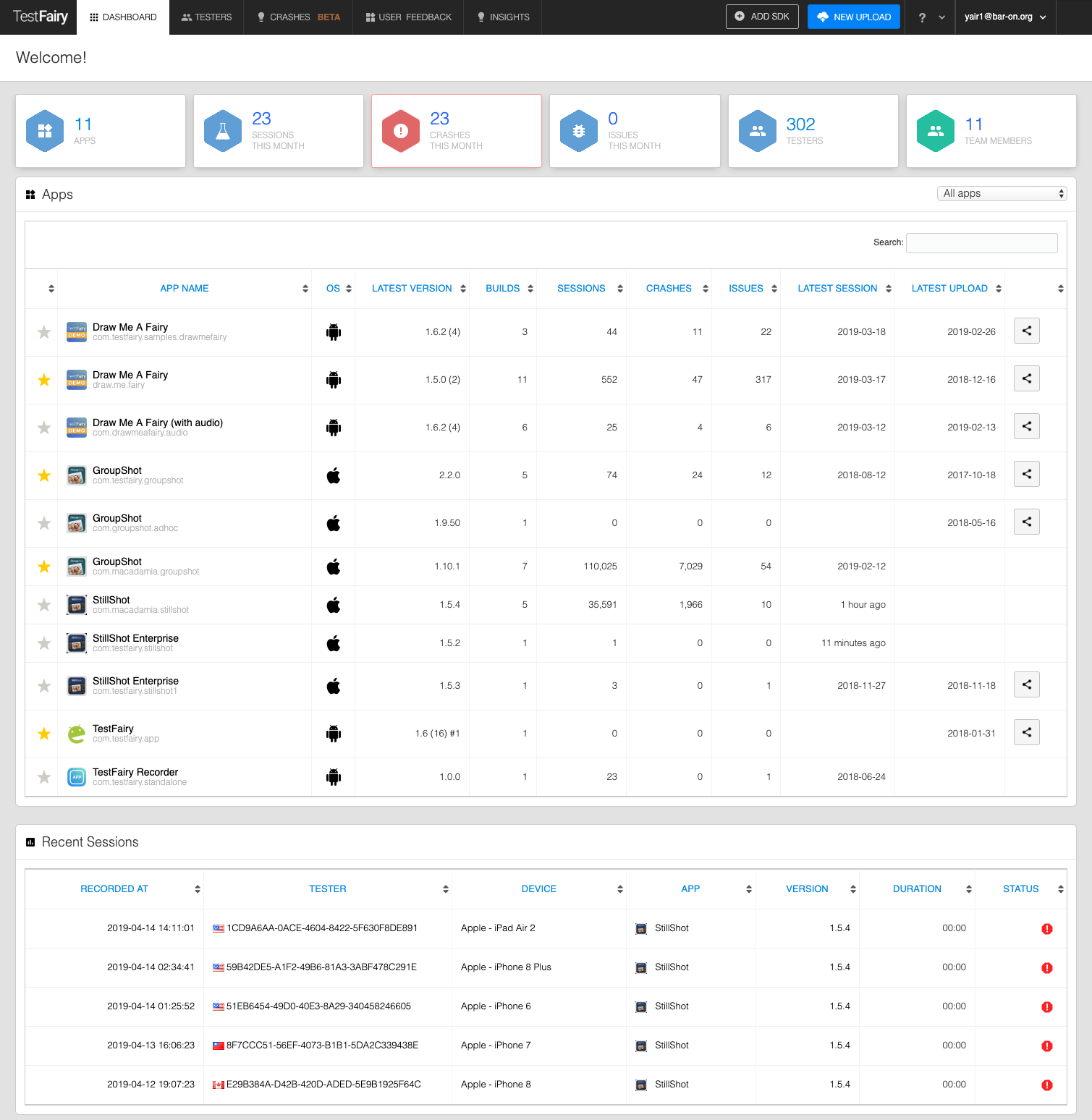
The DASHBOARD tab displays the number of apps, testers, and users.
Apps Table
The Apps table lists all the apps loaded into the system.
The table displays information such as the app name and bundle ID, platform, latest version name and number, and the number of builds. You can also view the date the last build was uploaded.
Clicking a row will open the Builds table (see Builds) for more information.
Clicking the link button will open the app's landing page.
TESTERS Tab
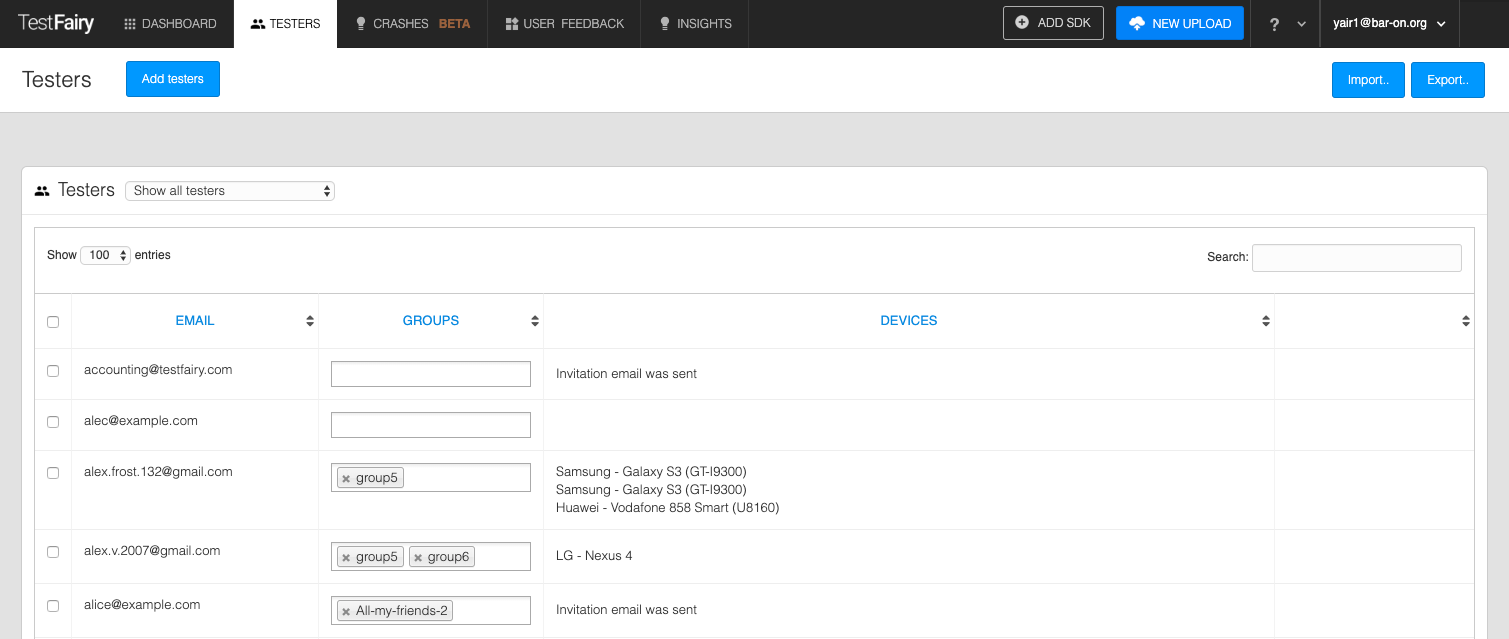
The TESTERS tab displays your testers and assigned apps. See Managing Testers for more information.