Workflow Connections
Integrations such as Jira and Slack, which have an application installed or use another mechanism to connect with Backtrace to a third-party domain, will create a workflow connection. This process simplifies linking new Jira projects or Slack channels to receive Backtrace data. Backtrace elevates these connections to a universe level, allowing different Backtrace projects to use the configured Jira and Slack applications. These connections are established as part of the normal integration flow found in Project settings > Integrations.
Workflow Connections Page
Admins have the ability to manage workflow connections in Universe Settings > Workflow Connections. They can easily view the various projects that are utilizing the connection at a glance.
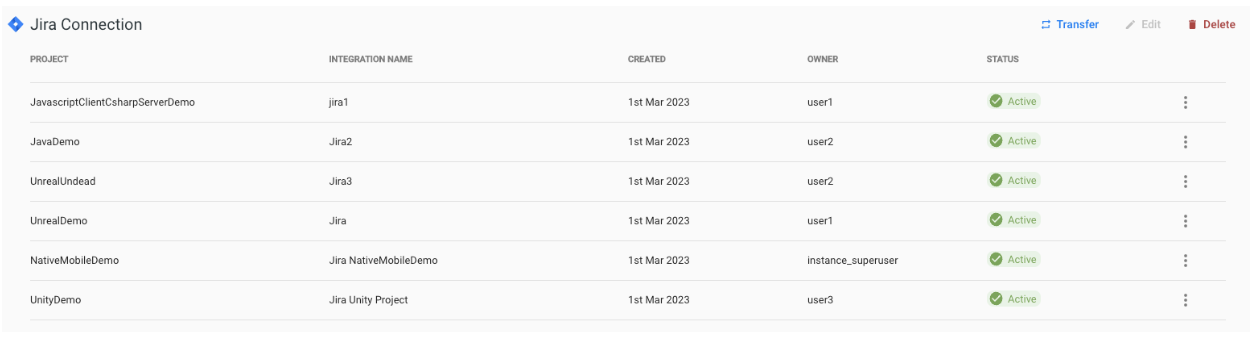
Admins have the capability to transfer integrations between connections of the same type, edit connection details, and delete connections and integrations as needed.
Transferring Connections and Integrations
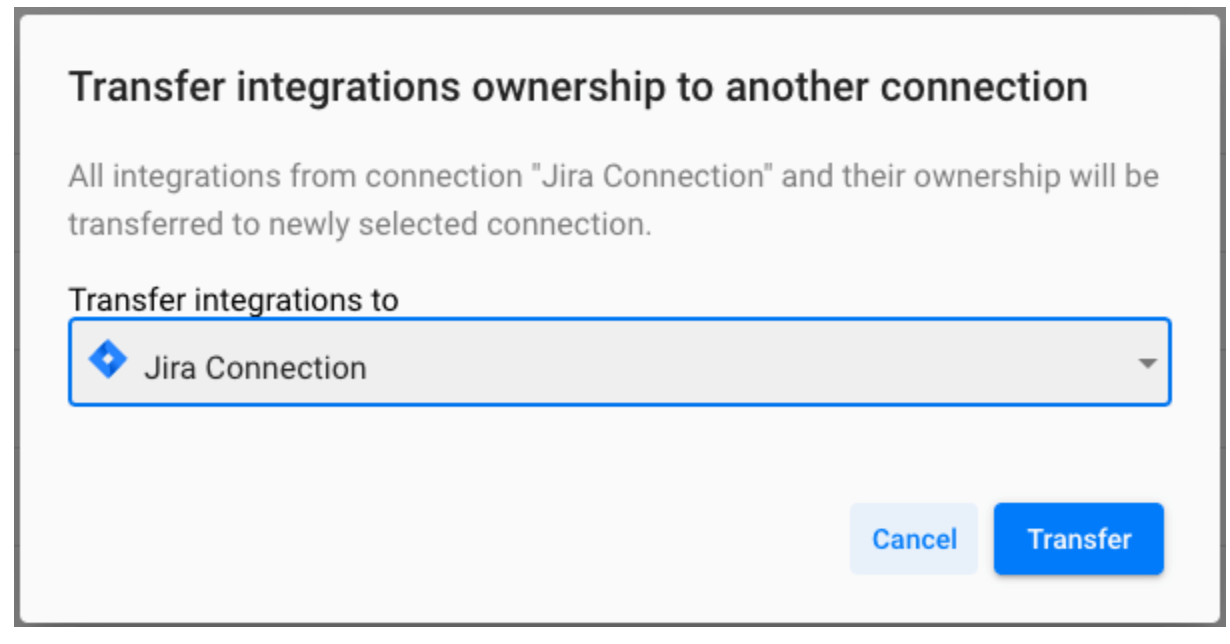
In cases where a Jira or Slack domain has changed, it is possible to transfer individual integrations or all integrations to a new connection of the same type. This allows for seamless transitioning and updating of the integrations.
Deleting Connections
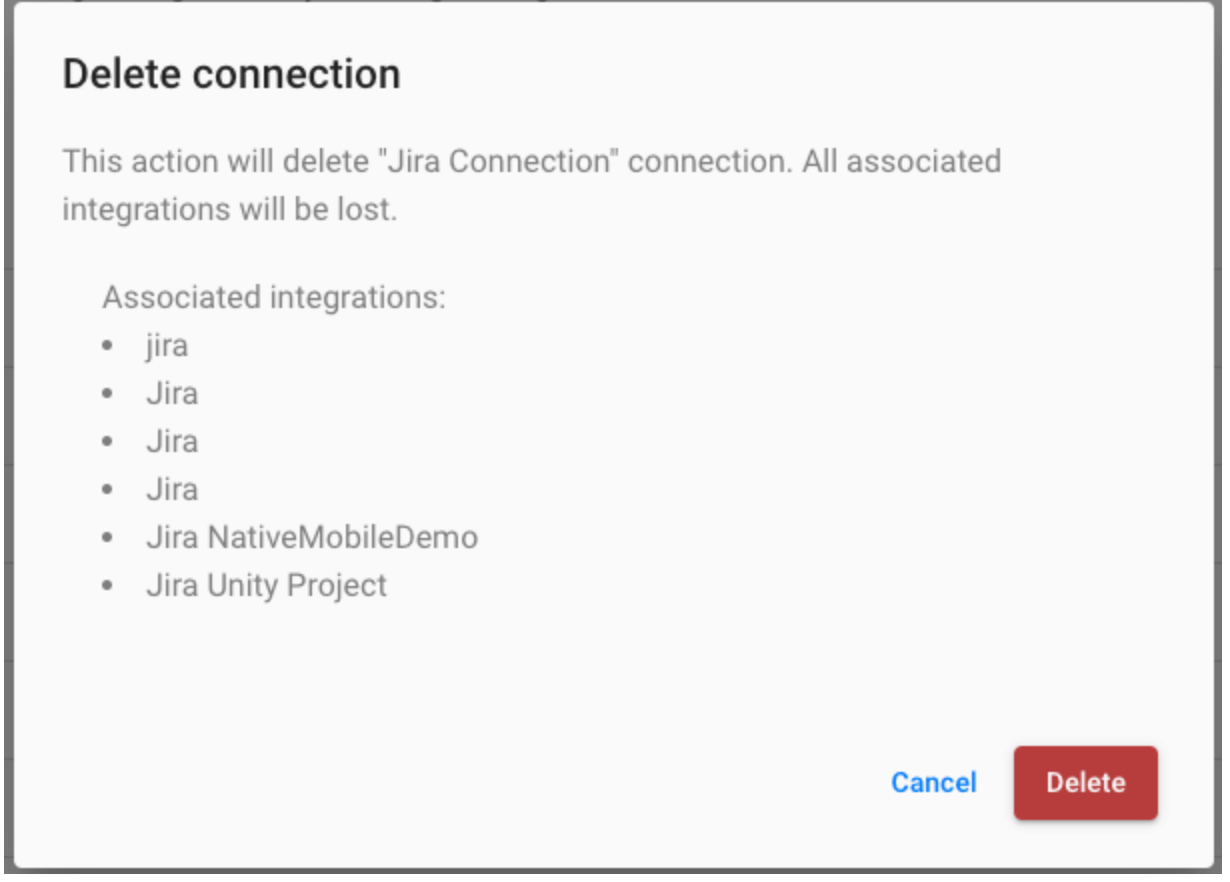
When deleting a connection, all connected integrations will also be deleted. We will attempt to maintain associated alerts. Alerts with no connected integrations will be disabled.
Editing Connections
Editing capabilities vary by connection type. We recommend creating a new connection and transferring connections when you need to edit a connection.