Hiding Webview Elements from Video
Beta release
Sauce Labs Mobile App Distribution provides developers with the capability to conceal specific HTML elements in recorded videos displayed in UIWebView or WKWebView components in their application's user interface. This feature allows developers to enhance security and privacy by excluding sensitive information from video recordings.
In certain scenarios, developers might need to prevent some information, such as credit card details or other sensitive content, from being displayed in recorded video sessions. Sauce Labs Mobile App Distribution's Hide Webview Elements from Video feature addresses this concern by allowing developers to selectively hide designated HTML elements from the video playback.
Syntax
The process of hiding a specific element from the recorded video involves utilizing the static instance method hideWebViewElements in the TestFairy class. This method requires a valid CSS selector as its parameter to target the desired HTML element for concealment:
[TestFairy hideWebViewElements:@"body"];
[TestFairy hideWebViewElements:@"div#username,div#password"];
[TestFairy hideWebViewElements:@".col-12,h1 .header"];
Sauce Labs Mobile App Distribution finds any UIWebView or WKWebView in the view hierarchy and hides a given HTML element based on a valid CSS selector.
Example
Suppose you have a demo video showcasing your application's user interface. On the left side of the screen is the regular app interface, while the right side displays a screenshot with the HTML elements hidden:

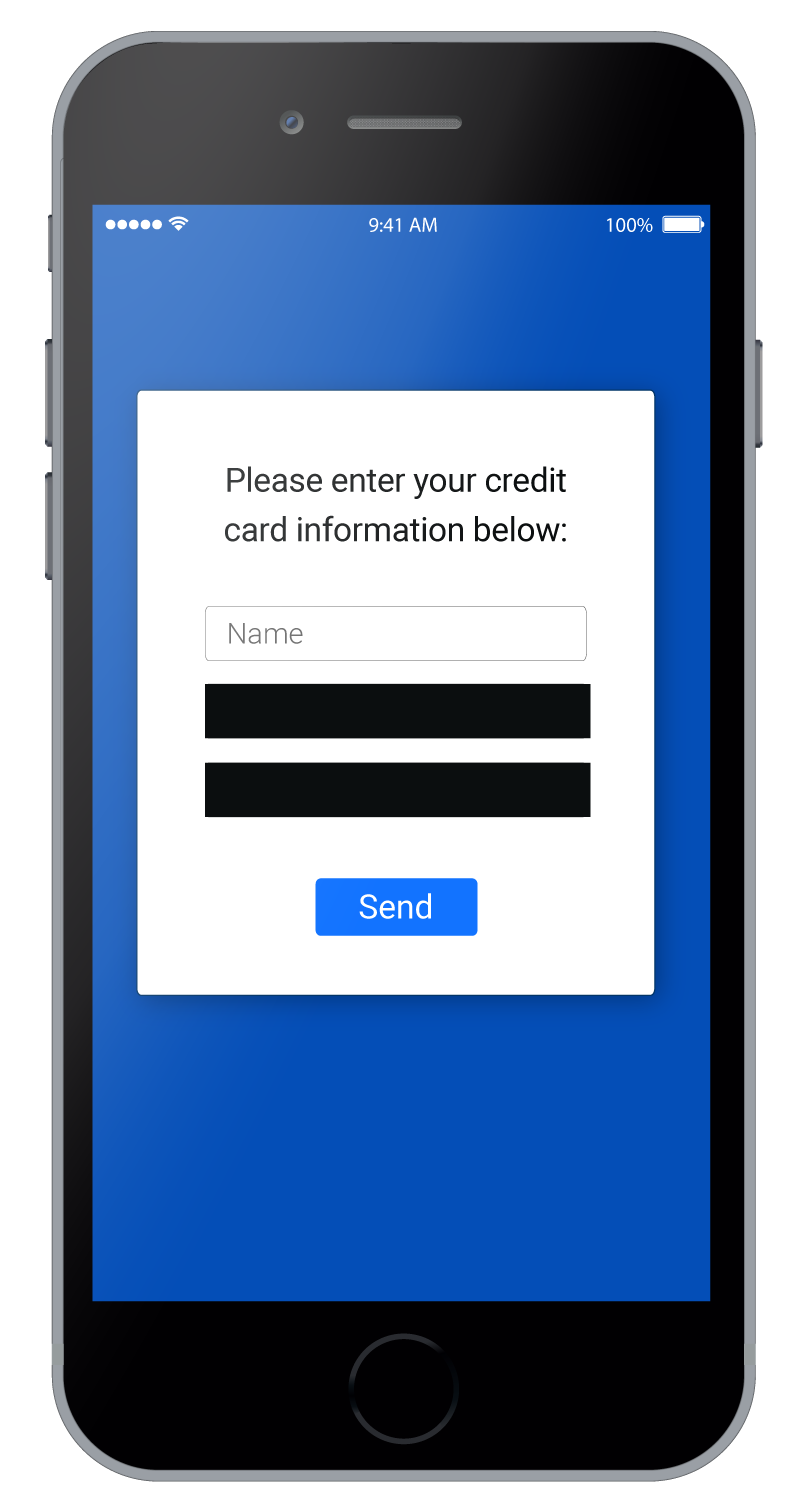
This functionality provides a clear visual representation of how Sauce Labs Mobile App Distribution's feature conceals elements in the video.
- Sauce Labs Mobile App Distribution ensures that elements are hidden from screenshots before they are uploaded, thereby preserving the security and privacy of sensitive information.
- The
hideWebViewElementsmethod supports the inclusion of multiple comma-separated CSS selectors. This capability allows you to hide multiple HTML elements simultaneously. - You can extend the list of hidden elements at any time by making additional calls to the
hideWebViewElementsmethod.