Notifications
Notifications keep you informed about important activity in your organization. You can receive notifications in the app or by email.
In-App Notifications
Click the bell icon in the top navigation bar to open the notification panel. Notifications appear for events like:
- New builds uploaded to apps assigned to your tester groups
- Being added to or removed from a team
- Being added to or removed from a tester group
- Group assigned to a project
- Organization role changes (team role changes don't send a notification)
Unread notifications are shown with a badge count on the bell icon, up to 99+. Click a notification to navigate to the relevant page and mark it as read, or use Mark all read to clear them at once.
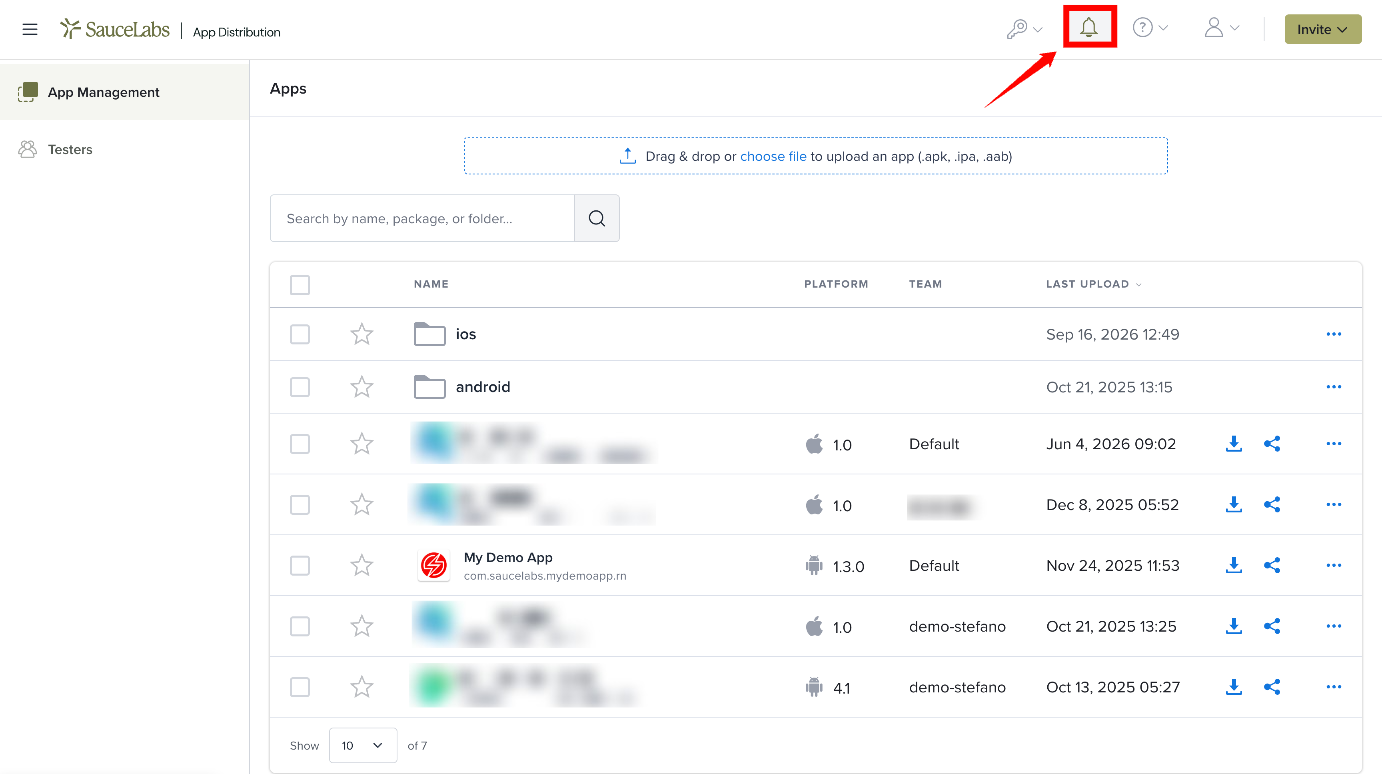
You can view all notifications with pagination by clicking View all notifications at the bottom of the panel.
In-app notifications cannot be turned off, they are always active for all users.
Email Notifications
Email notifications keep you informed about specific activity related to builds and app assignments.
- Build uploads - when a new build is uploaded to an app your tester group is assigned to. Sent for web uploads; API uploads send email only when
notify=1is set. - App assignments - when you're assigned to an app individually, when someone clicks Resend Email, or when a team member sends a notification to your group.
Turn Off Email Notifications
Go to My Profile ▸ Email Settings and turn off Receive emails for new builds and app assignments. The setting is on by default. You can also use the unsubscribe link in any notification email.
In-app notifications can't be turned off.